
You can access the Lyteflo Portal here: https://app.lyteflo.com
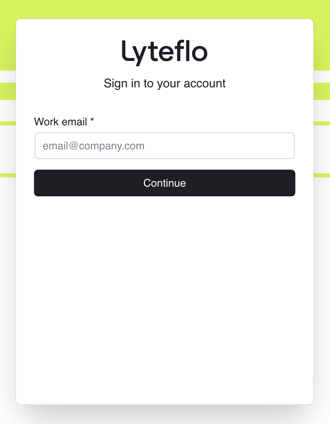
How to log into the Lyteflo Battery Portal:
-
Enter your dealership email address and hit continue.
-
Check your email for a 6-digit one-time-password.
-
Enter the numbers and you're in!
First time logging in?
You will need to be set up as a new user. Your Dealership Admin or Lyteflo Support can create your account so you can log into to the Lyteflo Battery Portal.
New users receive a welcome email from noreply@lyteflo.com with a link to access the Portal. After clicking that link, check your email for a 6-digit one-time-passcode.
Did you get an "Authentication failed" alert when trying to log in?
You may be using the wrong email address or typed something incorrectly.
- Verify that you're using your dealership email address and haven't made any typos.
- If you still can't log in, your account may not be created yet or it may be disabled. Reach out to your Dealership Admin or Lyteflo Support if you should have access.